Turn an idea into a website or app
Sites in ChatGPT
Describe what you want to build, refine it with ChatGPT, then publish and share it with others.

From first prompt to published site with ChatGPT
Start with an idea, shape it with ChatGPT, then publish and share when it’s ready.
Ask ChatGPT to build a website, or mention @Sites. Describe what you want to make and what you want to do with it. Add files or visual references, or start from an existing Codex project.
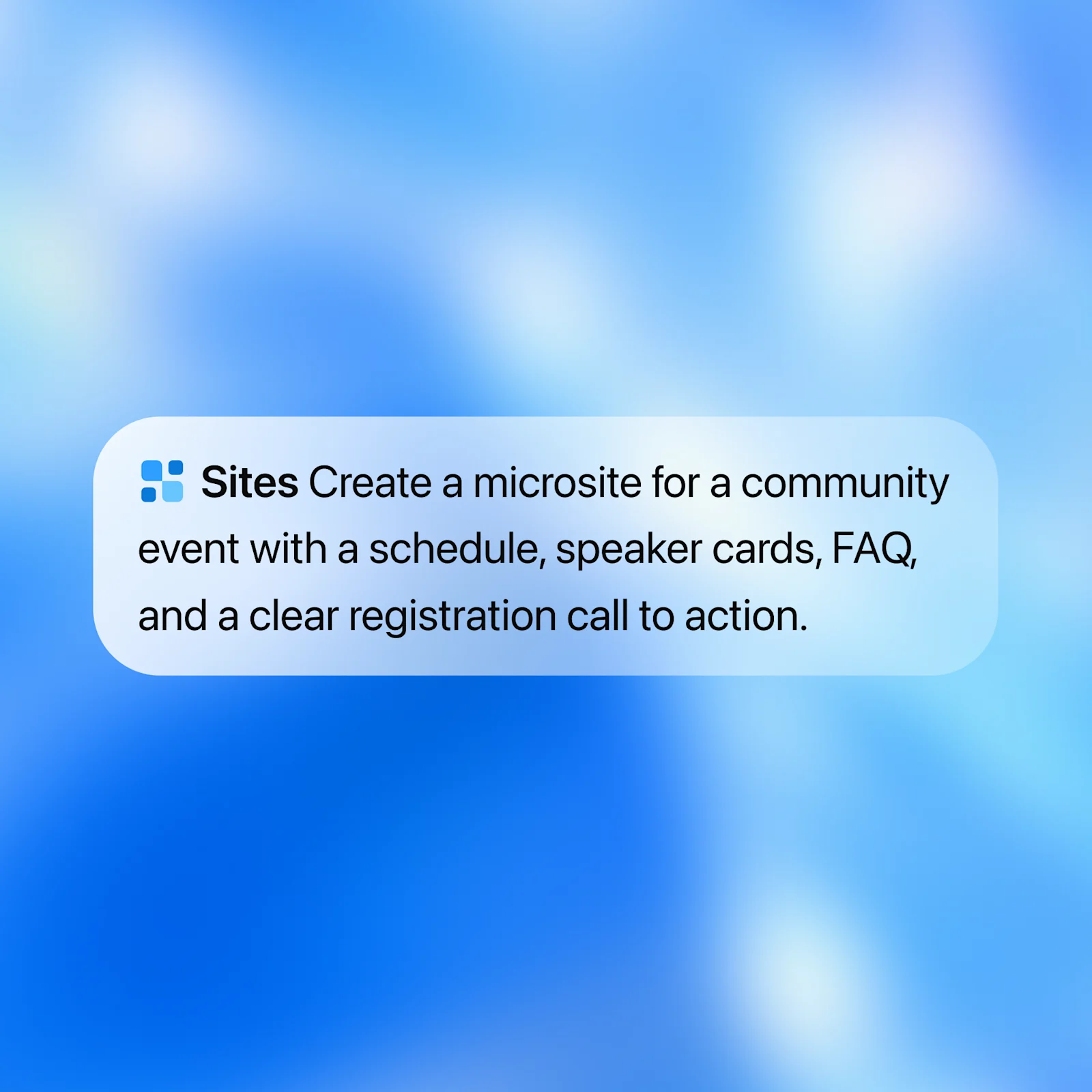
See what people are making
A little inspiration for your next big idea.



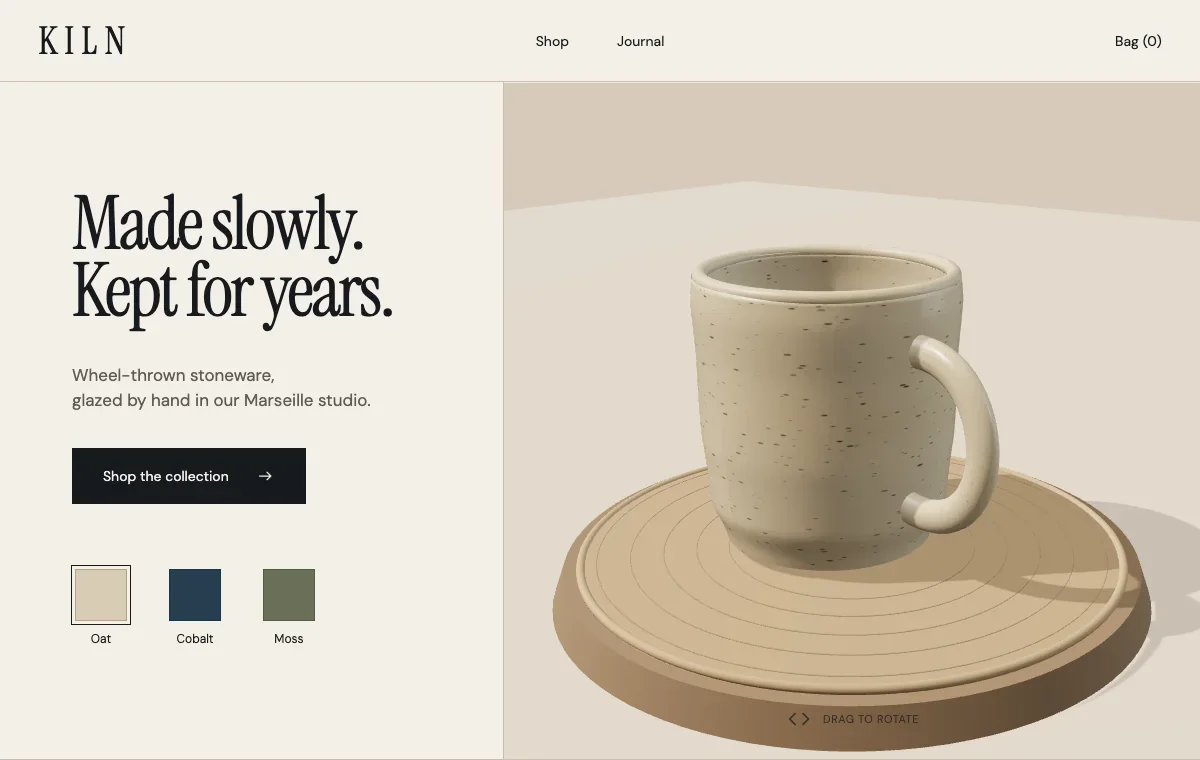




You can build anything
Create for work, your business, or yourself. From dashboards and client portals to portfolios.
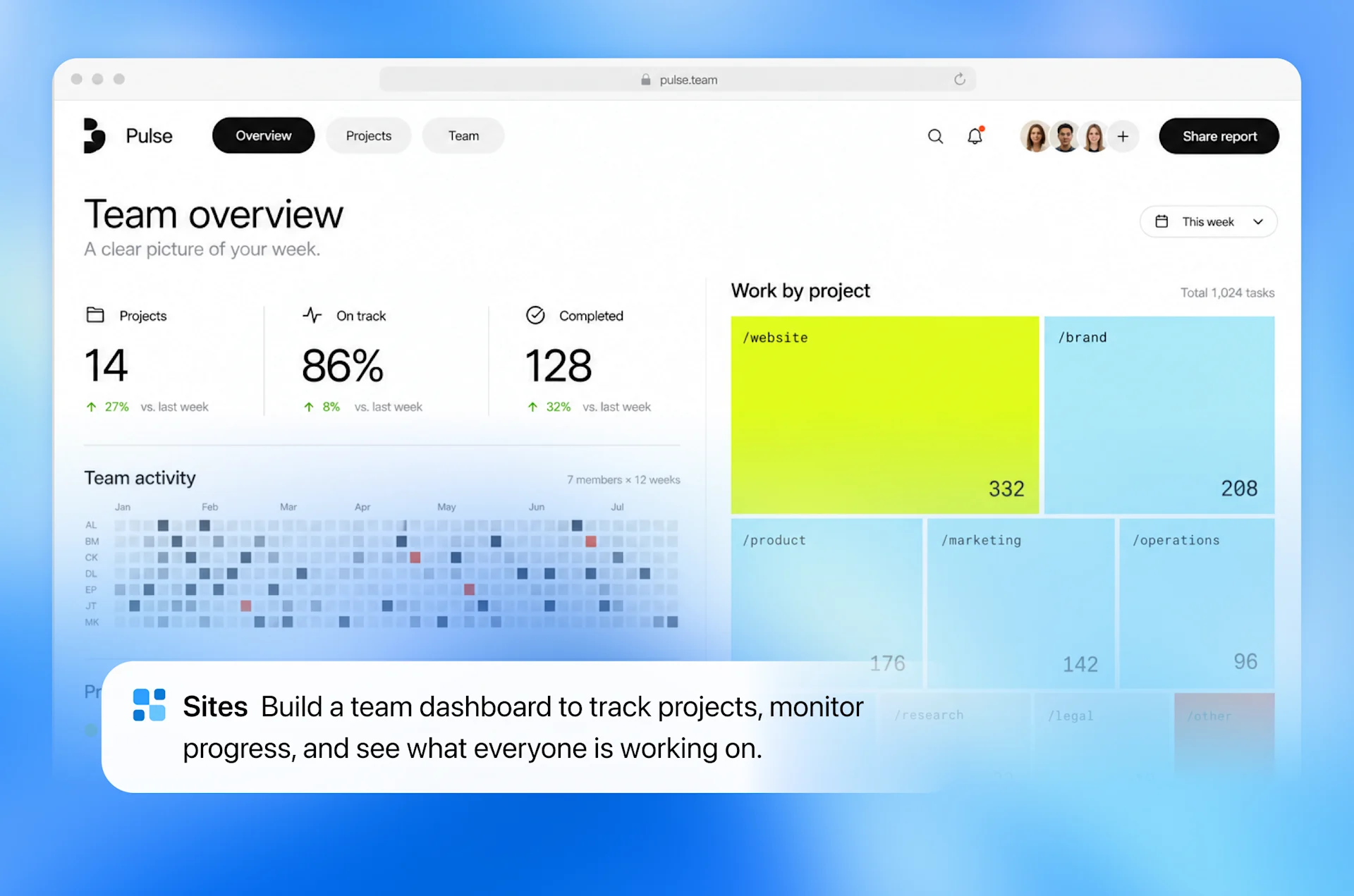
Make a Site that works for you
Control who can access your Site, let visitors save their work, connect tools, and choose its address.
Choose who can visit or edit
Share your Site with selected people or your workspace, or make it public. Invite teammates to edit and publish updates.

Let visitors save progress
Add “Sign in with ChatGPT” so visitors can pick up where they left off. Use built-in storage to save information and uploaded files, including documents and images.

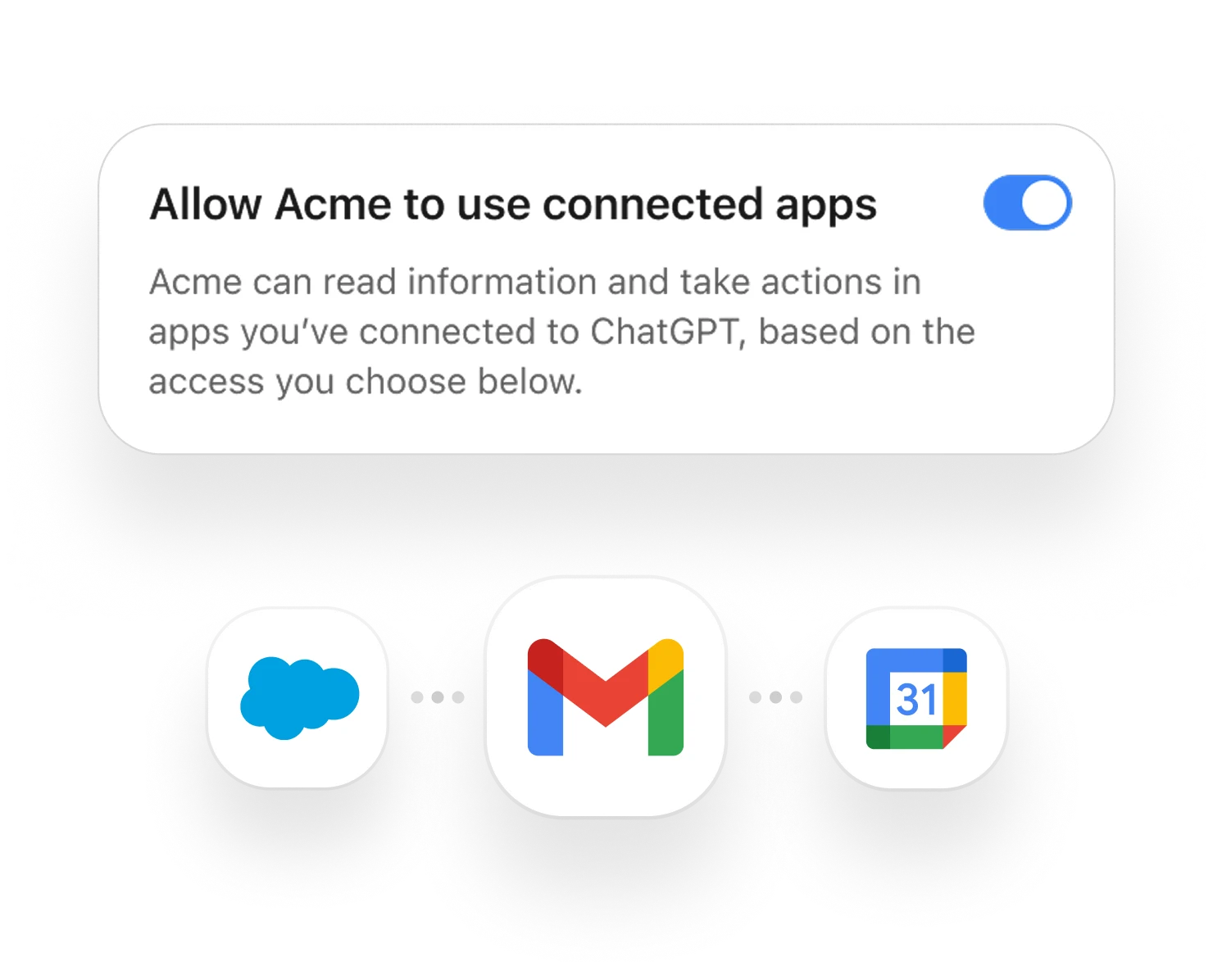
Connect the tools you use
In eligible workspaces, people using your Site can approve read-only access to their own connected tools. The Site only sees information they already have permission to access.
Choose your Site address
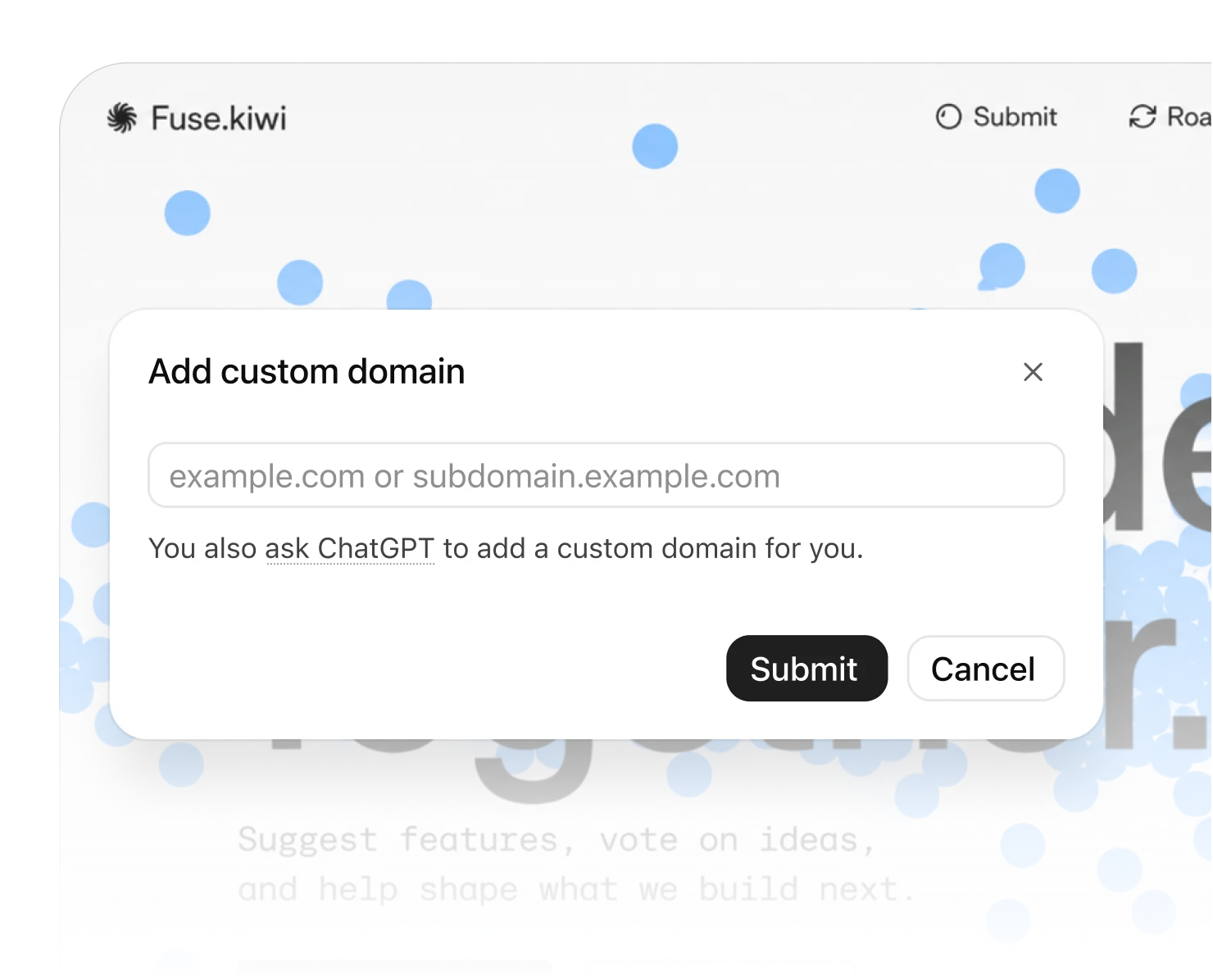
Rename your ChatGPT-hosted URL or connect a custom domain you own. If you rename the hosted URL, the old address redirects automatically.
Built with privacy, security, and control
When you create a site for the first time, only you and workspace admins have access to it. You can share with selected people, your workspace, or the public. Sites shared within a workspace use ChatGPT sign-in to control access. Public Sites can optionally offer “Sign in with ChatGPT” for personalized experiences.
Frequently asked questions
ChatGPT Sites lets you create, host, and share websites, apps, and games with ChatGPT. Start with an idea, refine it through conversation, and return anytime to make changes.