ChatGPT Work
@ChatGPT in Slack and Microsoft Teams
Bring @ChatGPT into your team’s channels to answer questions, unblock decisions, and turn messy discussions into plans, reports, and presentations.
Available to ChatGPT Business, Enterprise, and Edu. Ask your admin to set up @ChatGPT.
Let ChatGPT make sense of the group thread
Work with ChatGPT as a team
Mention @ChatGPT in your team channel or thread to help plan a launch or investigate a bug. Teammates can jump in with context, questions, and feedback to shape the work together.
Bring in context from beyond the thread
Ask ChatGPT to find the project details, relevant files, or updates your team needs from connected tools—without leaving the conversation.
Turn discussions into work you can use
Have ChatGPT turn messy conversations into a brief, presentation, spreadsheet, or plan that’s ready to share.
How it works
Tag @ChatGPT in a team channel or thread and say what you need. You can also message ChatGPT directly.
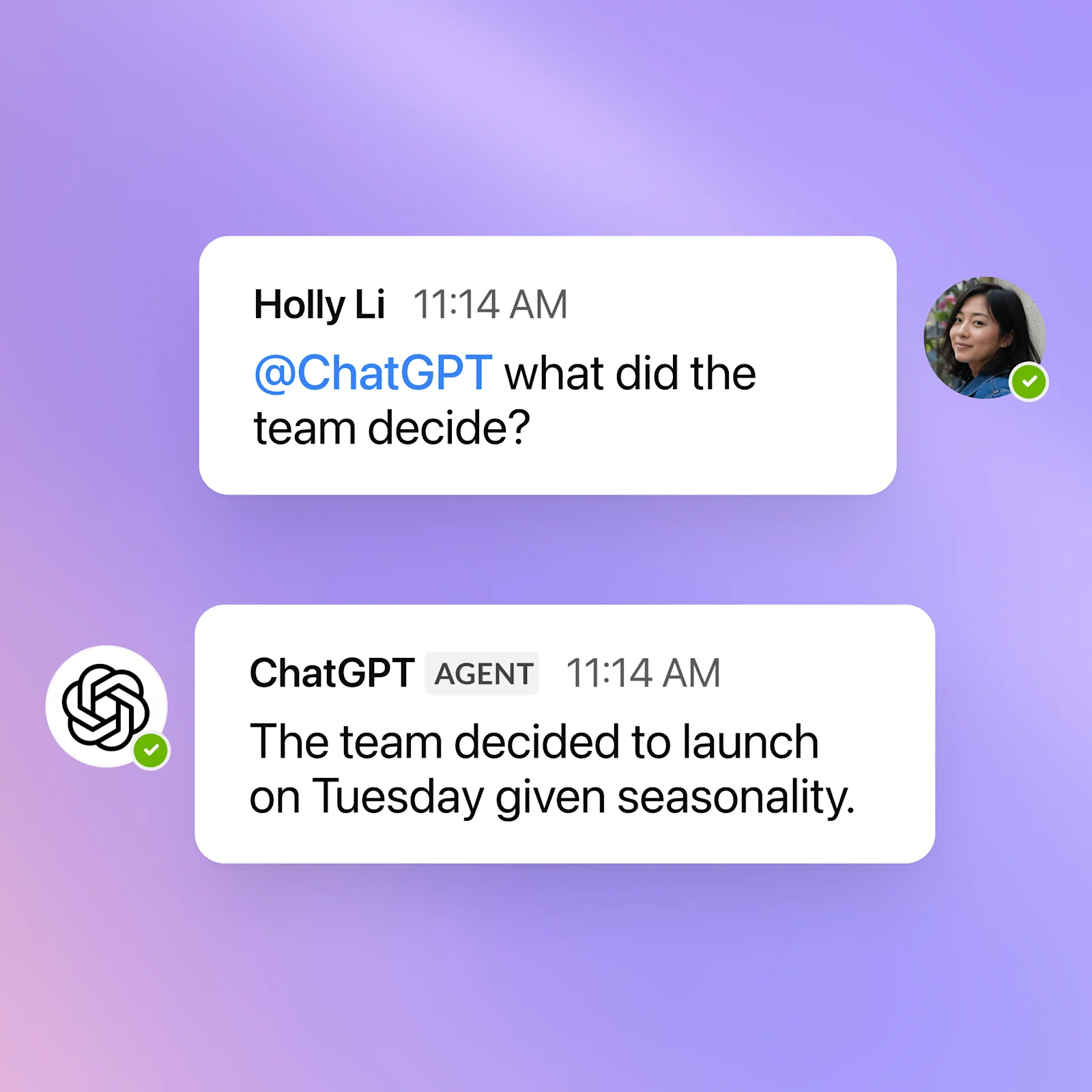
See what’s possible when @ChatGPT enters the chat
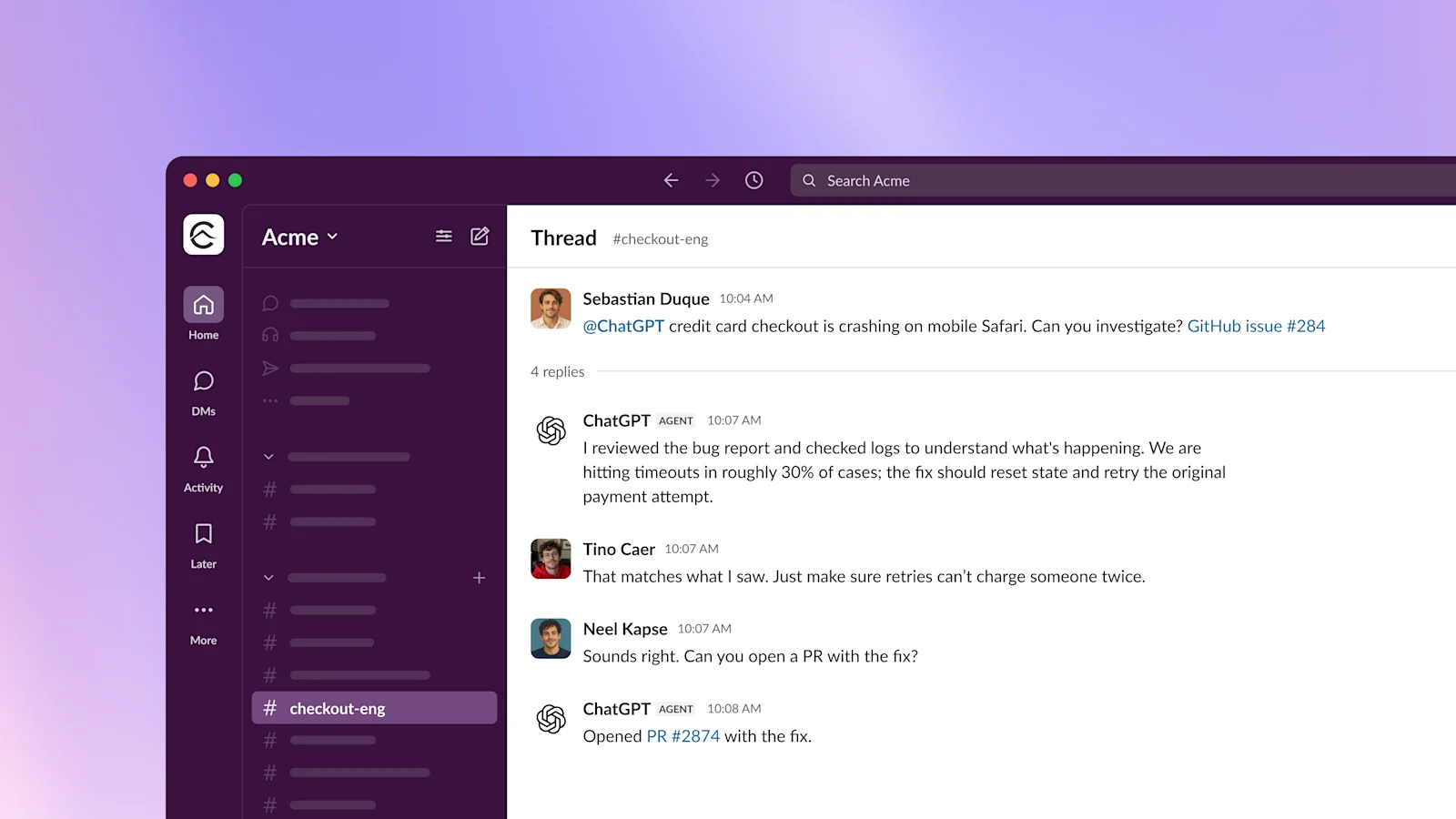
Ask ChatGPT to investigate a bug, review its approach with your team, and open a pull request with the fix—all in the same conversation.
Built for enterprise
Give teams access to @ChatGPT while admins manage the shared connections and permissions behind the work.
Company-managed access
Admins choose which company tools to connect and what @ChatGPT can access. Learn more.
Audit logs and monitoring
Track agent activity and review logs to understand what agents did and how workflows were executed.
Centralized management for admins
Manage agents, spend, and plugins from a central console so teams can scale automation safely.
You stay in control
@ChatGPT asks for your approval before taking action in connected tools, so you can review changes before they happen.
Frequently asked questions
No, team members without an individual ChatGPT license can use @ChatGPT in enabled channels. Access depends on your organization’s setup. However, connecting your individual account to @ChatGPT can give it additional access, such as reading or editing a private document. @ChatGPT does not automatically inherit your personal accounts or permissions.
Explore more
- ChatGPT Work
See how ChatGPT Work turns context from your tools and files into finished documents, presentations, and analyses.
- ChatGPT Learn
Explore practical guides and examples for getting started with ChatGPT Work.
- Plugins in ChatGPT
Connect your everyday tools to bring in context and complete tasks directly in ChatGPT.